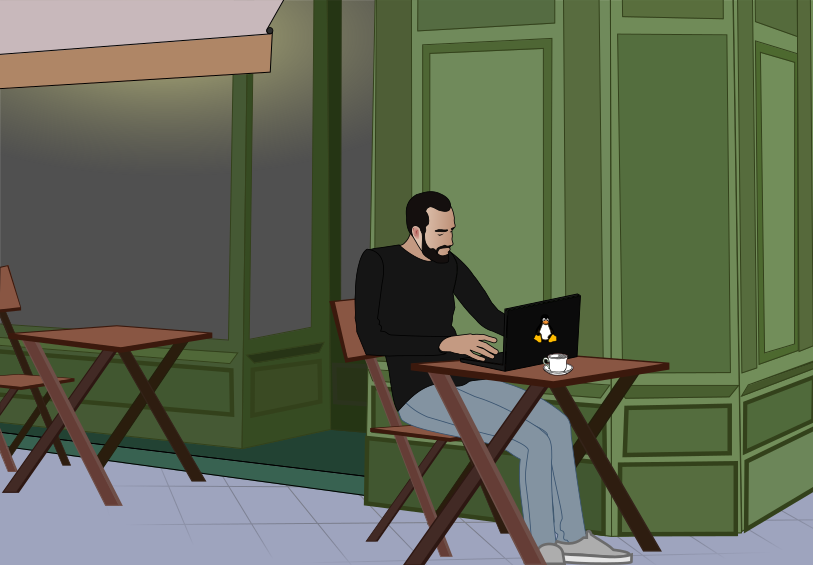
Developer Computer Minion
Learn how to use to compile and run fun open source games and useful Linux software on your own Linux computer with self-healing, event-driven automation.
This costs
See how easy it is to get started with open source software development with the Smart Aquaculture developer platform.
University research inquiries into clubs, training, program collaboration are being considered in 2026. Please email smaq@group.computate.org for more information.
Things you'll learn:
- How to configure VSCode to develop the Developer Computer Minion.
- How to install an up to date OpenJDK Java Development Kit on your system.
- How to fork the computate.org GitHub repositories to develop new features and pull requests.
- How to build your sovereign AI code generation model of your code base on your own computer. The Computate AI code generation tools never share your data with anyone. The entire code model is stored in your own Apache Solr search engine, and is used to build your own ideas into code up to 50 times faster than you could do by hand, you'll see!
- How to start the Computate sovereign AI code generation watcher service to generate code as you save.
- Use Jupyter Notebooks that help you update your project with new APIs and data models and integrate them into your site.
The Developer Computer Minion runs on a Microsoft Windows 11 Professional computer, or Linux x86_64 computer. Supported operating systems and Linux distributions include:
Other Linux distros may also be supported
Unfortunately, MacOS is not supported with OpenShift Local since MacOS became ARM64 architecture.
If you are purchasing a laptop or desktop computer, I would suggest the following specs:
- At least 64 GiB RAM. Laptops with at least 64 GiB RAM have enough to run OpenShift Local and Spine Programming microservices.
- At least 12 CPUs. Laptops with at least 12 CPUs have enough to run OpenShift Local and Spine Programming microservices.
- At least 500 GiB solid state drive (SSD) storage. 1 TiB is enough storage for most developer's applications and documents.
- No GPUs are required for Spine Programming.
Get your questions answered. The webinars will occur live most weekdays.
Learn with the computate.org open source community as we build the platform together.
To purchase the Developer Computer Minion, you simply log into our secure payment pages with your GitHub account. We use GitHub to grant you access to the course as a private repository on GitHub.
After you log into GitHub, there will be a button sending you to authorize.net to purchase the Developer Computer Minion securely.
We don't collect your personal information other than your GitHub account information, to grant you access to the private GitHub repositories. We don't have any analytics configured on this site. We don't sell your data to anyone. The very little information about your GitHub account username, first name, last name, and email is secure.
The only cookies used are for single sign-on session IDs before and after you log in (sessionIdBefore, vertx-web.session, JSESSIONID, CSRF-Token, username), and remembering your site customization preferences so you can choose between dark theme or light theme and other visual preferences across the whole site (SITE_FONT_SIZE, SITE_THEME, WEB_COMPONENTS_THEME).
Paying for this course will directly benefit the Developer Computer Minion community without overhead — creating software developer jobs, paying for cloud compute costs, training events, and open source conferences in the future.
Click the button below to purchase the Developer Computer Minion.
You will only pay